Crash Engine Guides and Walkthroughs
From first spawn to advanced crash lines - every tutorial in one map.
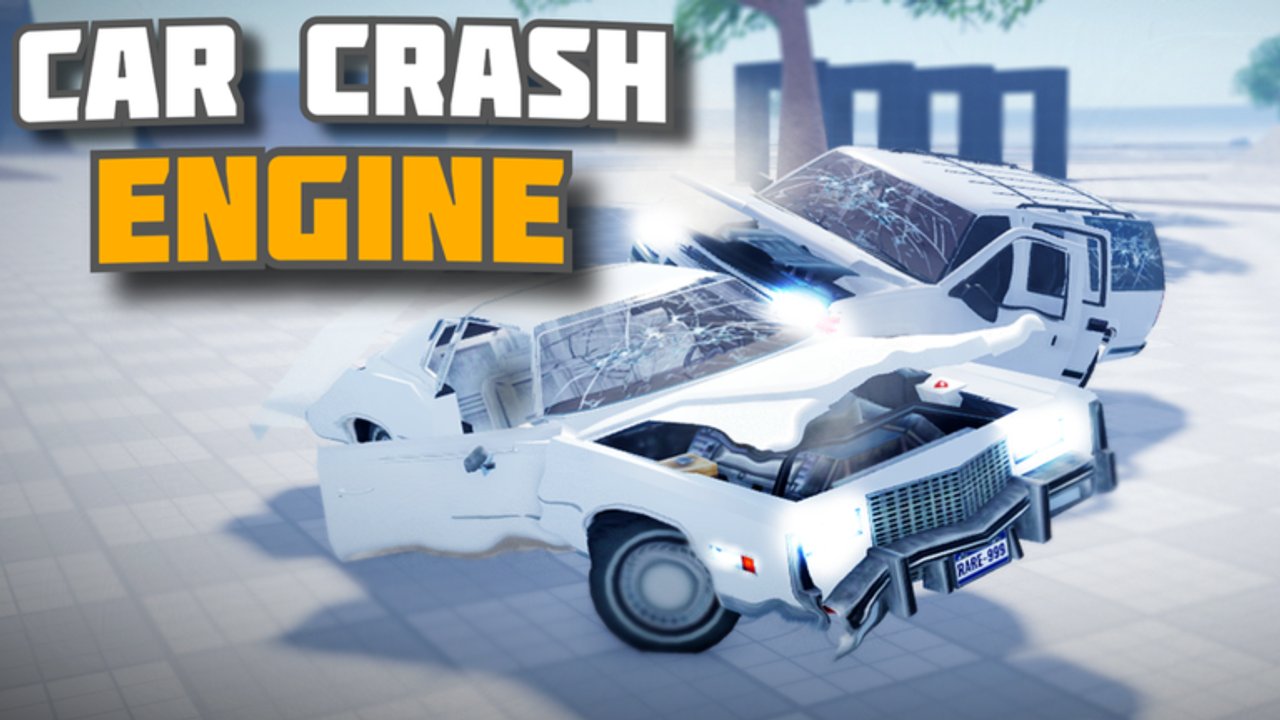
This Guides Hub is the playbook for Car Crash Engine on Roblox. Whether you just favorited the experience or you already live on the highway wall, start here, then dive into the linked deep guides. Every page below is written for soft-body sandbox play: crumple, recovery, stunts, and multiplayer chaos with up to 25 players per server.
Car Crash Engine by INGameWorks Studio is a free Simulation / Vehicle Sim sandbox inspired by BeamNG-style deformation. You are not grinding a battle pass so much as learning how cars bend, how maps invite wrecks, and how to line up the next memorable hit.
Guide map
1. Getting Started
Day-one loop, featured. Learn how to enter the world, spawn a sensible first car, warm up on gentle props, then rotate through a short first-session checklist: wall tap, ramp attempt, highway cruise, and a safe derby peek. Read this before chasing advanced mountain or train setups.
2. Controls
Keyboard, mobile, handbrake, camera. Soft-body crashes reward precise speed control more than button mashing. This guide covers driving inputs, handbrake timing for drifts and pivots, camera habits that keep the impact readable, and mobile steering tips so touch players can still aim a smash.
3. Crash Physics
Featured soft-body deep dive. Understand crumple behavior, why impact angle beats raw speed, how to stage mountain descents, and what stop-a-train attempts demand from approach lines. Pair with vehicle choice from the tier list when you want repeatable spectacle.
4. Maps and Modes
Stunt ramps, highway, derby, off-road, roleplay spaces. Match locations to goals. A suspension test track is the wrong place for a filmed barrel-roll, and a busy derby pad is the wrong place for a quiet roleplay park. Use this guide to plan sessions with friends.
Suggested learning order
- Getting Started - orientation and first-hour loop
- Controls - inputs and camera
- Maps and Modes - where to practice
- Crash Physics - how to hit with intent
- Vehicles + Best Cars - specialize your garage
How these guides connect to the rest of the wiki
- Codes - optional; see Codes Hub (no verified active codes as of the latest check).
- Updates - re-read physics notes after patches via Updates Hub.
- Scripts - not required; safety overview on Scripts Hub.
- Official links - Links Hub for the Roblox place and INGameWorks Studio group.
Quality bar for this section
Guides stay practical: affirmative steps, internal links with clear anchors, and FAQs that match real search questions (how to drive, how to crash better, where to go). We avoid filler paragraphs and fake stats. When the studio adds cars, planes, or boats, expect new child guides rather than stuffing everything into one mega-page.
Play session template
A solid 30-40 minute session looks like this:
- Spawn a balanced car (Getting Started pick).
- Five minutes of control drills (braking, handbrake turn, camera check).
- One map focus from Maps and Modes.
- Two or three intentional crashes using Crash Physics ideas.
- Optional derby or highway social finish with the server.
Save experimental cliff sends for the end so you still get clean practice reps.
Jump into Getting Started now if this is your first visit, or open Crash Physics if you already know the controls and want better wrecks tonight.
Frequently Asked Questions
Quick answers about codes, cars, controls, and soft-body crashes.
Which guide should absolute beginners open first?
Start with Getting Started, then Controls. Add Maps and Modes once you can drive cleanly, then Crash Physics for intentional wrecks.
Do I need scripts to follow these guides?
No. Every guide assumes normal Roblox play. Scripts are optional, risky, and covered separately on the Scripts Hub.
How often should I re-read Crash Physics after updates?
Re-check it whenever the Updates Hub notes physics, ragdoll, or vehicle changes, because soft-body feel can shift without new maps.
Where do vehicle rankings live?
Vehicle letter ranks are on Best Cars under the Tier List Hub; type selection advice lives on the Vehicles page.